How to Choose the Right Data Collection Tool in Salesforce Field Service
In this Office Hours Insight session, Leigh-Anne Nugent explores a practical question many field service teams will face: when should you use data capture flows, work plans, or mobile actions? By testing each option in real time, this session highlights the strengths, limitations, and decision points that matter when designing better mobile experiences for technicians in the field.
LESSONS YOU CAN TAKE FROM THIS:
1. Every tool has a different job
One of the biggest takeaways from this session is that Salesforce Field Service now offers multiple ways to collect data in the field, but they are not interchangeable. Data capture flows, work plan flows, and mobile actions each serve different needs, and understanding those differences helps teams choose the right experience for the right task.
2. Newer does not always mean complete
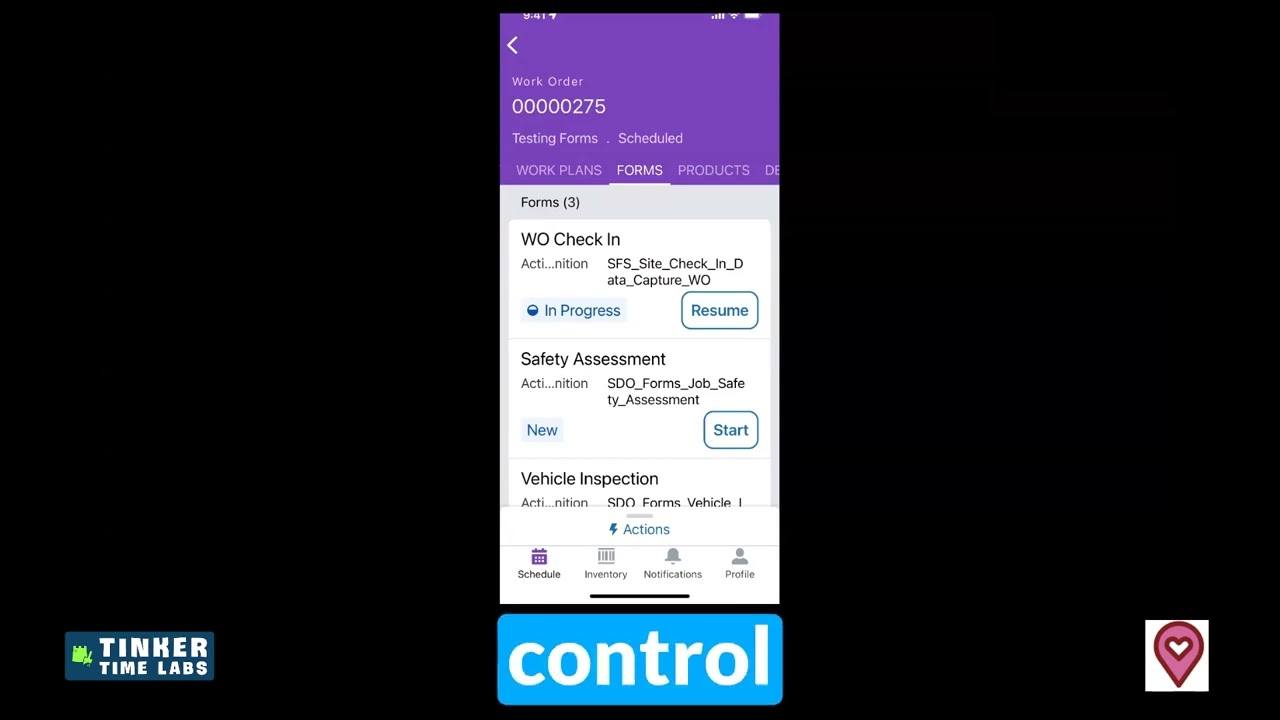
Data capture flows bring a cleaner and more modern user experience, but they still come with limitations. Certain use cases, like collecting record collections, generating PDFs, or redoing forms, are not fully there yet. That means teams should evaluate whether the newer UI is enough for the business process they are trying to support.
3. Flexibility still matters in the field
For repeatable, structured processes, forms may be a strong fit. But for ad hoc updates or actions technicians may need to run multiple times, mobile actions can still be the better choice. This session is a good reminder that field work is not one-size-fits-all, and the best design often depends on how predictable or dynamic the workflow really is.
4. Testing in context reveals what documentation cannot
A major value in this walkthrough is seeing the tools used in real conditions. From record ID behavior to layout differences, image upload support, and mapping data back to records, hands-on testing surfaces what teams need to know before recommending a solution to a customer or deploying it more broadly.
KEY TAKEAWAYS:
Salesforce Field Service offers multiple options for mobile data collection, each with different strengths.
Data capture flows provide a cleaner UI, but still have important limitations.
Work plans remain useful for guided, step-based technician workflows.
Mobile actions are often better for flexible, repeatable, ad hoc tasks.
The best way to evaluate these tools is to test them against real field use cases.