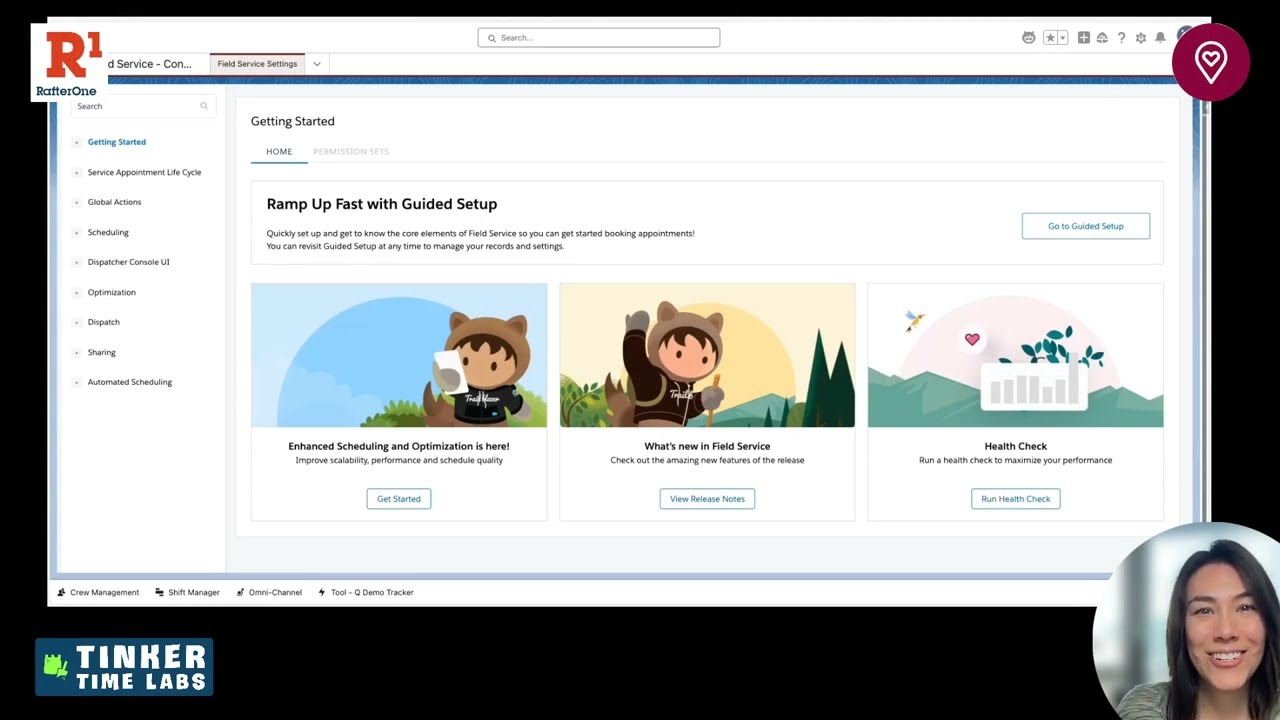
How to Set Up and Test Enhanced Scheduling Optimization in Salesforce Field Service
In this Office Hours Insight session, Leigh-Anne Nugent walks through the practical setup and testing of Enhanced Scheduling and Optimization in Salesforce Field Service. Rather than treating optimization like a black box, she breaks down the settings, territory decisions, scheduling logic, and testing habits that help teams understand how the tool actually works before layering on more advanced features.
LESSONS YOU CAN TAKE FROM THIS:
1. Start simple before adding advanced features
One of the smartest points in this session is to get optimization working in its simplest form first. Leigh-Anne recommends enabling the core features, validating the managed package version, and testing the default behavior before turning on extra capabilities like sliding, reshuffling, or more advanced optimization options. That approach makes it much easier to see what is working and where issues are coming from.
2. Scheduling status matters more than teams expect
The conversation highlights an important distinction between scheduled and dispatched appointments. Scheduled work acts more like soft planning, while dispatched work is treated as confirmed and pinned on the board. That difference affects how optimization behaves, what can move, and how teams should design their business process for confirmation, parts checks, and technician preparation.
3. Territory and job setup shape optimization results
Optimization is not just about turning on a feature. It depends on how territories are structured, how groups are defined, what date ranges are selected, and which appointments qualify for the job. Leigh-Anne shows that policies, Boolean criteria, and subgrouping can all influence performance and help large optimization requests stay within the right limits.
4. Testing is an active process, not a one-time setup
A big takeaway from this session is that learning optimization requires repetition. Run the job. Review the results. Clear the Gantt. Unschedule and reschedule. Adjust the settings. Test again. That cycle helps teams understand pinned appointments, rule violations, inherited dispatcher console settings, and why certain jobs do or do not get placed where expected.
KEY TAKEAWAYS:
Enhanced Scheduling and Optimization works best when you validate the basics before enabling advanced options.
Scheduled and dispatched statuses affect how appointments behave during optimization.
Territory structure, criteria, and date ranges all influence optimization outcomes.
Dispatcher console settings can carry into optimization requests, so they need to be reviewed carefully.
Past scheduled appointments do not clean themselves up automatically and may need manual reset before retesting.