What the New Data Capture Flow Means for Salesforce Field Service Teams
In this Office Hours Insight session, Leigh-Anne Nugent explores Salesforce Field Service’s new data capture flow experience and what it changes for mobile teams. From setup and permissions to limitations and real-world testing, this conversation gives implementers a practical look at how the feature works today, and where teams need to stay flexible as it evolves.
LESSONS YOU CAN TAKE FROM THIS:
1. New mobile tools still need real-world testing
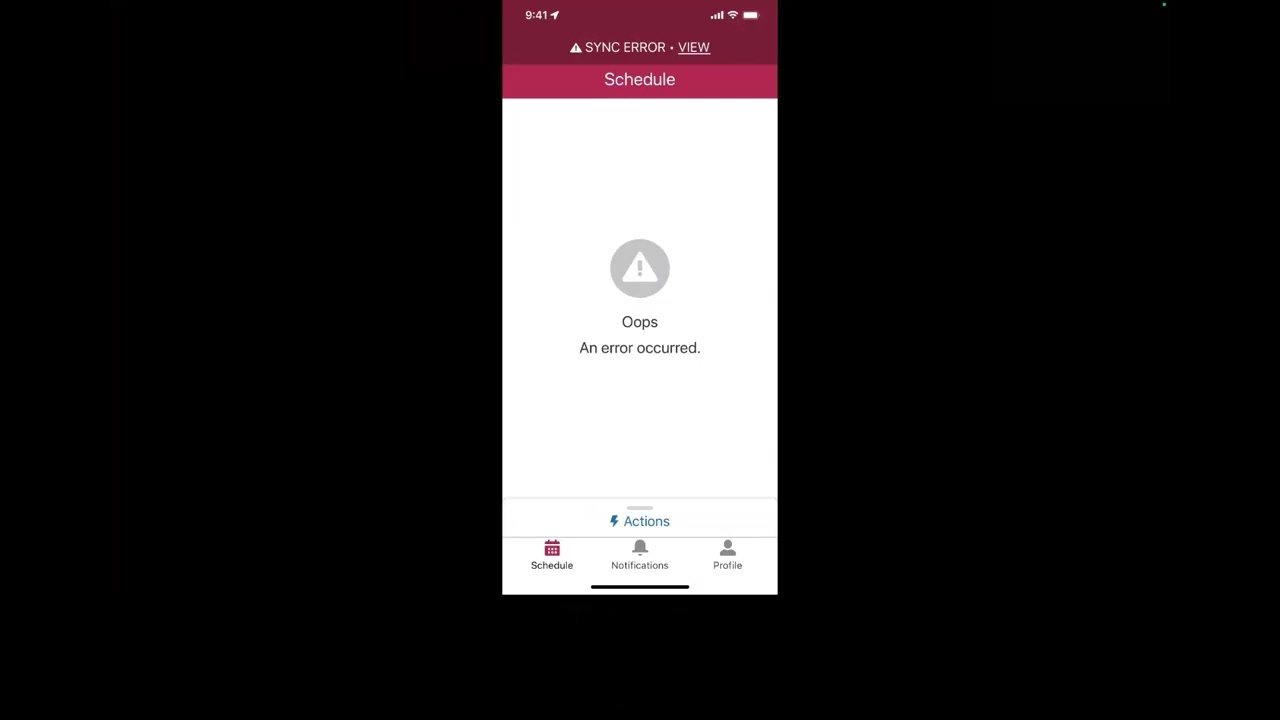
One of the clearest takeaways from this session is that new features rarely arrive fully polished for every use case. Leigh-Anne walks through setup issues, sync errors, permission gaps, and missing support for certain components, showing why hands-on testing is still the fastest way to understand what a new feature can actually do.
2. Data capture flows are not just a copy-paste replacement
This new experience is not a simple upgrade from older Field Service mobile flows. Some legacy patterns, like loops, mid-flow updates, and certain screen components, are not supported in the same way. That means teams need to think carefully about refactoring, not just converting, when moving existing mobile flows into the new structure.
3. Setup now depends on a different architecture
A big shift here is that data capture flows are driven through a different model, including a related forms setup and new object access requirements. It is a more platform-aligned approach, but it also means implementers need to understand permissions, layout placement, and record relationships before expecting the mobile experience to work smoothly.
4. Start small before scaling anything
This session reinforces a smart implementation mindset: begin with simple use cases, pilot with a few users, and learn from what happens in the field. Instead of trying to force every complex process into the new feature on day one, Leigh-Anne frames data capture as something to test carefully, compare against existing options, and expand only when it proves value.
KEY TAKEAWAYS:
Salesforce’s new data capture flow brings a different approach to mobile form experiences.
Older Field Service mobile flows may need refactoring, not direct conversion.
Permissions, object access, and layout setup play a major role in whether the feature works.
Some familiar capabilities, like loops and mid-flow record updates, are not yet supported.
The best rollout strategy is to test small, learn fast, and build from proven use cases.