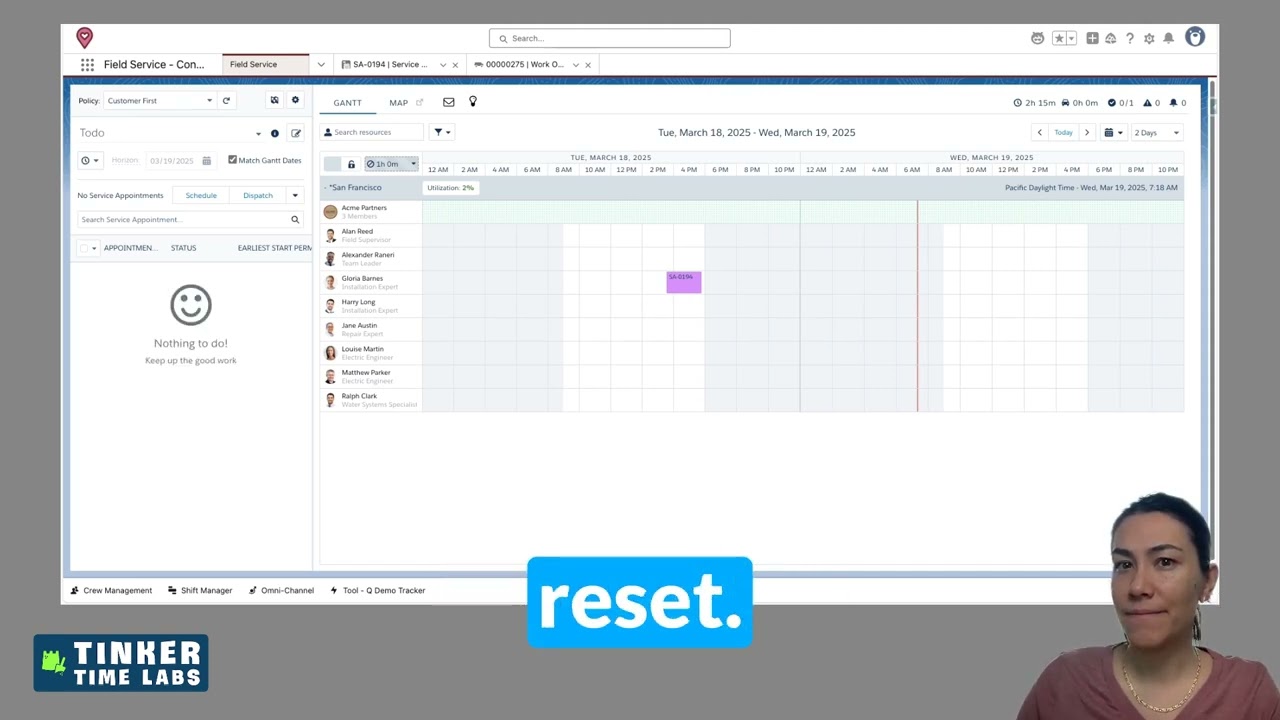
How to Troubleshoot Dispatcher Console Scheduling Errors in Salesforce Field Service
In this Office Hours Insight session, Leigh-Anne Nugent walks through a real-time dispatcher console issue that stopped appointments from being moved. What starts as a frustrating scheduling error turns into a practical lesson in troubleshooting Salesforce Field Service, from checking permission sets to testing enhanced scheduling optimization and narrowing down what is actually causing the problem.
LESSONS YOU CAN TAKE FROM THIS:
1. Start with the most likely configuration issue
When something suddenly stops working, it is smart to check recent system changes and core setup first. In this case, permission sets, especially for the integration user, were the first place to investigate, and that gave an immediate clue that something needed attention.
2. Timing matters when troubleshooting platform behavior
Leigh-Anne highlights an important habit for admins and implementers: pay attention to when issues appear. If something worked one day and failed the next, platform refreshes, updates, or environment-specific changes may be part of the story. That context can save time and help narrow the search faster.
3. Troubleshooting works best when you isolate variables
Instead of guessing, this session shows the value of testing one change at a time. Creating a new work order, trying different appointments, reviewing optimization settings, and toggling enhanced scheduling optimization helped expose where the issue might actually live.
4. Not every fix is the final answer, but progress still matters
One of the most practical takeaways here is that troubleshooting is often iterative. The first assumption may not be the full answer, but each test gets you closer. In this case, turning off enhanced scheduling optimization got scheduling working again, while also pointing to a possible travel-calculation issue worth exploring further.
KEY TAKEAWAYS:
Dispatcher console errors can stem from permissions, optimization settings, or underlying data issues.
Integration user permission sets are a smart first checkpoint when scheduling breaks unexpectedly.
System timing, refresh cycles, and recent updates can provide useful troubleshooting clues.
Isolating one variable at a time makes it easier to find the real cause.
A working fix is valuable, even if deeper root-cause analysis still needs to happen.